Forma
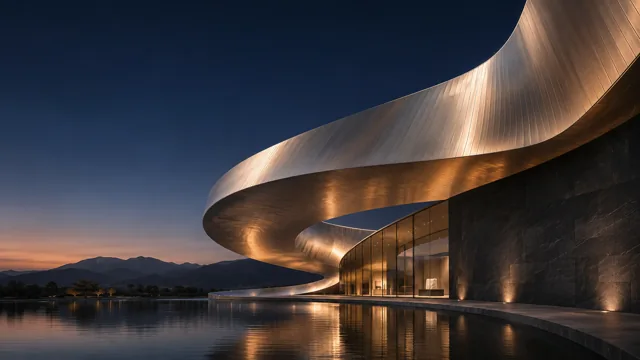
Architecture portfolioGive your projects room to breathe with a spacious, image-led layout.
Website builder
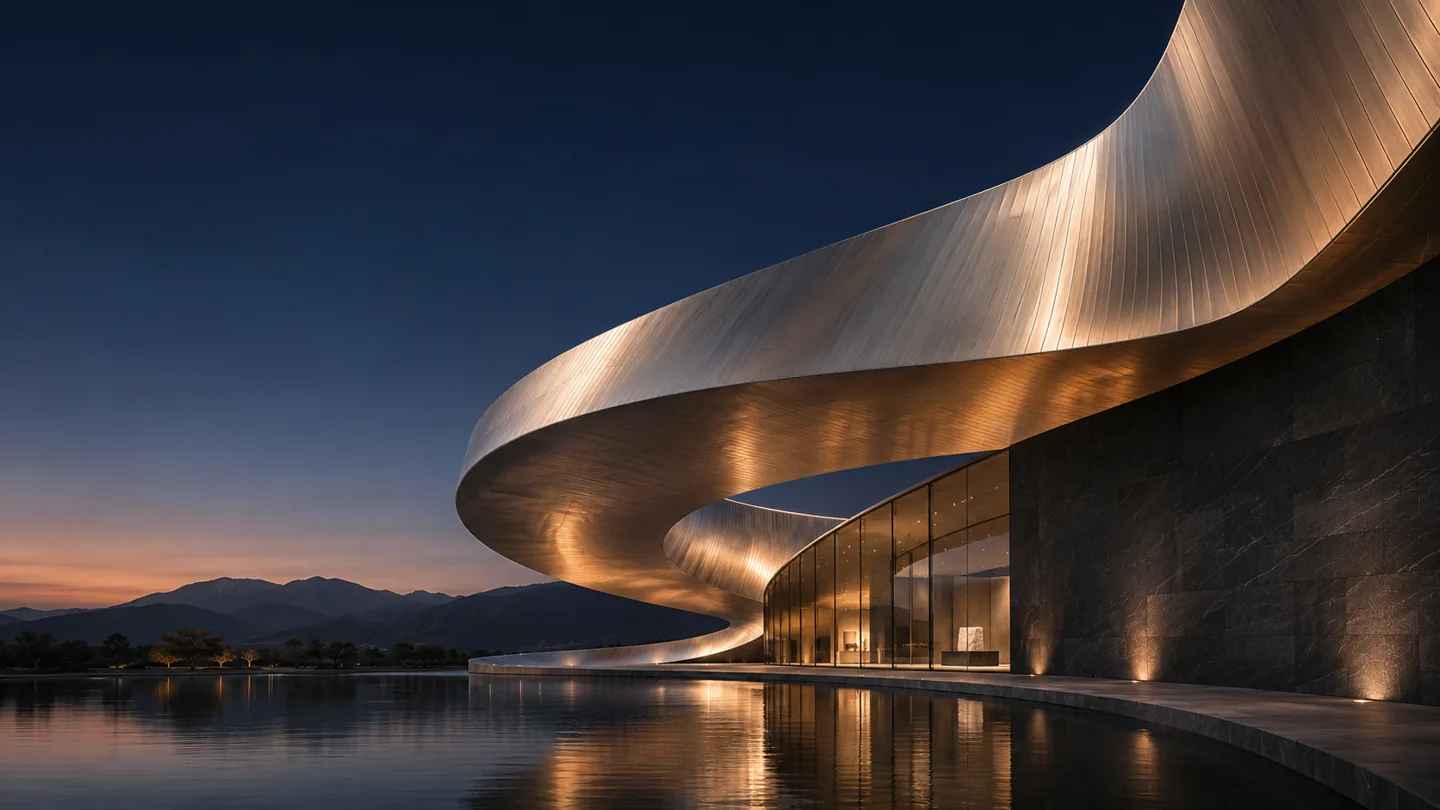
Plan your pages, shape every section and bring your website online in one studio.
Templates
Choose a starting design. Every page, section and color is yours to change.
Name your project, describe your audience and choose the pages you need.
Edit headings and text, arrange sections and choose a visual theme.
Preview phone and desktop layouts. Set page titles and search descriptions.
Publish a shareable link when you are ready, or download the site as HTML.
Pricing
Plan, design and publish a site without entering payment details.
The studio keeps drafts in this browser. Return on the same device to continue, and export a copy before clearing browser data.
Paid subscriptions are currently unavailable. You can use the free studio and publish without a card.